AKTU ERP User ID: What Is It, How to Find It & Recover Login Credentials
Navigating your academic journey at Dr APJ Abdul Kalam Technical University is impossible without digital access. At the center of this digital ecosystem is your AKTU ERP User ID. Accessing the ERP Login AKTU portal is the gateway to your entire college life, from the day you enroll as a fresher to the day you download your final degree. This master key unlocks the AKTU Student Login dashboard, allowing you to manage your profile, track your attendance, pay examination fees, and download crucial documents.
Despite its importance, thousands of students confuse their User ID with their examination Roll Number, leading to login lockouts, missed deadlines, and unneeded anxiety. Whether you are a newly admitted B.Tech student trying to log in for the first time, or a final-year MBA candidate who has forgotten their password, this comprehensive guide will explain everything you need to know about the AKTU ERP Portal. We cover how to locate your ID, the exact steps to reset your credentials, and how to troubleshoot the mandatory 2026 OTP verification system.
Official AKTU ERP Login Screen
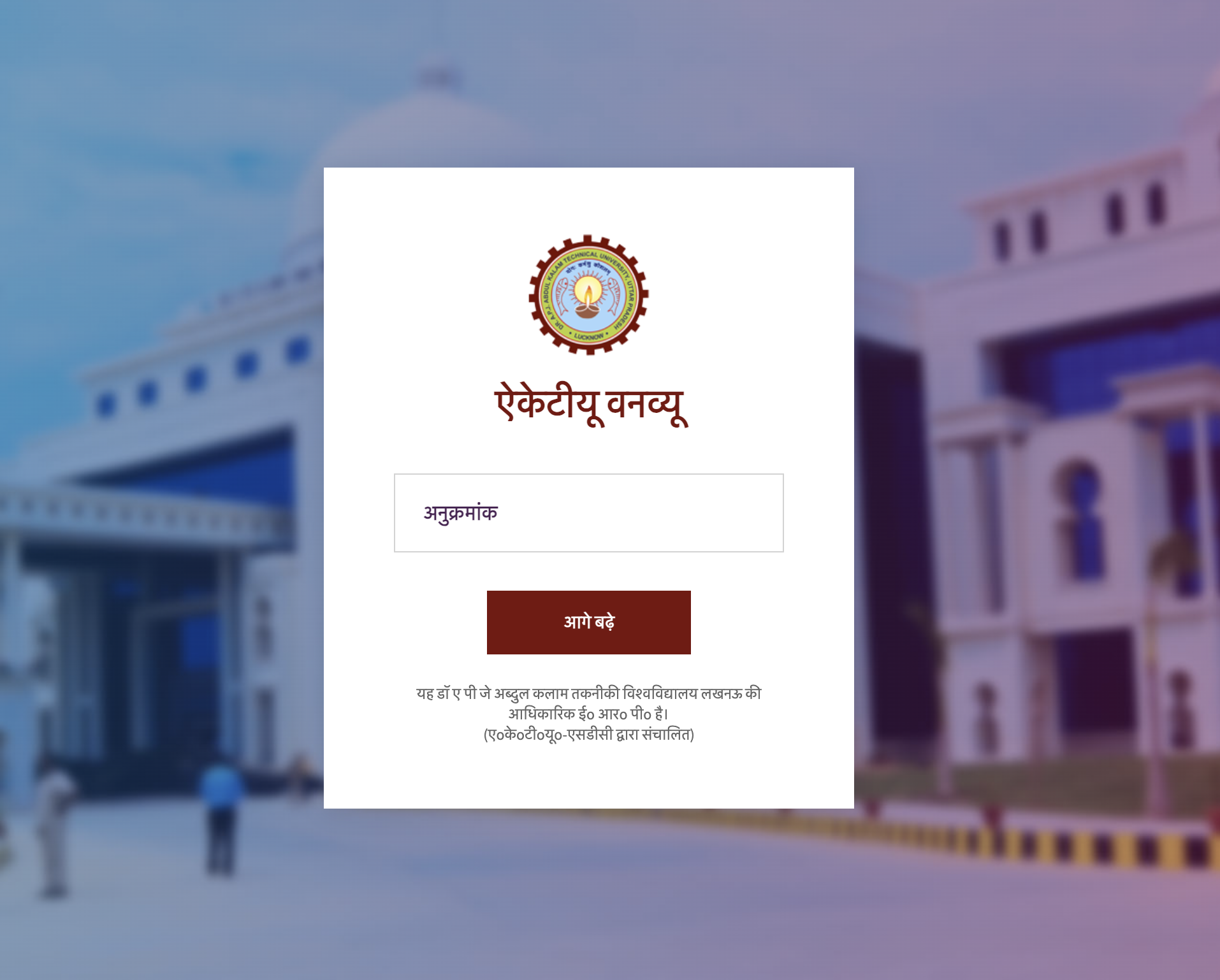
Always verify the domain name erp.aktu.ac.in before entering your credentials.
What is the AKTU ERP User ID?
When we talk about the AKTU ERP User ID, we are referring to the permanent, unique digital identifier assigned to you by the university headquarters in Lucknow. For students, this ID is synonymous with your University Enrollment Number. It is typically an 11-digit or 13-digit alphanumeric code that remains unchanged throughout the duration of your course.
The university uses this specific ID to track your entire academic lifecycle. Every time your college uploads your attendance, every time you pay a fee, and every time you submit an exam form, the data is tagged to this specific User ID. It is distinct from the credentials used by faculty members or college registrars, who have their own specific administrative User IDs to access the back-end of the AKTU Dashboard.
Why Every Student Needs an ERP User ID in 2026
Dr APJ Abdul Kalam Technical University operates one of the largest technical university networks in Asia, managing hundreds of affiliated colleges. To streamline operations, almost all administrative tasks have been digitized. Without your User ID, you are effectively disconnected from the university's grid. Here is why logging into the AKTU ERP Portal is strictly mandatory:
- Examination Form Submission: You cannot sit for your mid-semester or end-semester exams without filling out the exam form. This form is only available inside your personal dashboard.
- Downloading Hall Tickets: As detailed in our AKTU Admit Card guide, your exam hall ticket is generated dynamically and securely hosted inside the ERP portal. Public downloads are not allowed.
- Mandatory ABC ID Linking: Starting in the recent academic sessions, the Ministry of Education requires all students to link their Academic Bank of Credits (ABC ID / APAAR) to their university profile. This linking happens exclusively through the ERP login.
- Challenge Evaluation: If you are unhappy with your AKTU Result, the only way to request a revaluation (scrutiny) and pay the associated fees is through your student account.
- Direct Circular Updates: While general news is posted publicly, critical personalized updates regarding your specific branch or college are sent as secure notifications to your dashboard.
The Crucial Difference Between User ID and Roll Number
The number one reason students face the dreaded "Invalid Credentials" error on the login page is mixing up their User ID with their Roll Number. While both are unique to you, the university servers use them for completely different databases.
| Feature | User ID (Enrollment Number) | Examination Roll Number |
|---|---|---|
| Primary Purpose | Logging into the main AKTU ERP portal for administrative tasks and profile management. | Sitting for exams, filling OMR sheets, and checking results. |
| Length & Format | Typically 11 to 13 alphanumeric characters (often starting with the year of admission). | Always a strict 13-digit numeric code. |
| Portal Used On | erp.aktu.ac.in | erp.aktu.ac.in/WebPages/OneView/OneView.aspx |
| Password Requirement | Requires a secure alphanumeric password and an OTP for 2FA. | No password required. Accessed via Date of Birth and Captcha only. |
Rule of Thumb: If the screen asks for a "Password," you must use your Enrollment Number (User ID). If the screen asks for your "Date of Birth," you should use your Roll Number.
Where to Find Your AKTU ERP User ID
If you are unsure what your Enrollment Number is, you do not need to panic. The university prints this identifier on several physical and digital documents that you already possess. You can locate your ID on:
- College Identity Card: Most affiliated colleges print both the Roll Number and the Enrollment Number directly on the front or back of the physical student ID card.
- Previous Semester Marksheets: If you are in your second year or higher, look at any previous printed marksheet. The enrollment number is printed at the top left, right next to your personal details.
- Fee Receipts: Check the official fee payment receipts provided by your college's accounts department during your admission process.
- Registration Forms: The initial counseling and registration forms from UPSEE/CUET counseling will contain your preliminary registration data, which translates to your enrollment ID.
How Freshers Receive Their User ID
First-year students often experience anxiety because they do not have prior marksheets or admit cards. The process for freshers works slightly differently. During the first few weeks of the academic session, you will not have an active ERP account.
Your college registrar is responsible for uploading your admission data, counseling documents, and previous educational certificates to the central university node. Once the university verifies your documents, they generate an official Enrollment Number. Your college's ERP coordinator will then distribute this AKTU ERP User ID to your class, usually via an official email, a notice board printout, or directly from your class mentor. Until this happens, you cannot create an account on your own.
Step-by-Step AKTU ERP Login Process
Once you have your ID and default password from your college, logging in is a straightforward but highly secure process. The university has recently implemented Two-Factor Authentication (2FA) to protect student data from unauthorized access.
- Launch the Portal: Open a modern web browser and navigate directly to
https://erp.aktu.ac.in. Ensure you are not on a phishing site. - Select Your Role: On the left side of the login screen, you will see a dropdown menu. It defaults to 'Select User Type'. Click it and select "Student". If you select 'Institute' or 'Admin', your credentials will be rejected.
- Enter Your User ID: Carefully type in your 11 or 13-digit Enrollment Number.
- Input Password: Type your password. If it is your first time logging in, you will be prompted to create a new, strong password immediately after the first successful login.
- Solve the Captcha: Enter the letters and numbers exactly as they appear in the distorted image box to prove you are human.
- OTP Verification (2FA): Click "Login". The system will immediately dispatch a 6-digit One-Time Password to your registered mobile number and your registered email address. Enter this OTP into the pop-up box to gain access to your AKTU Dashboard.
How to Recover a Lost ERP User ID & Reset Your Password
Human error happens, and forgetting passwords is the most common reason students visit their college's IT department. Fortunately, the AKTU Student Login system has a robust self-service recovery mechanism.
Recovering a Lost User ID
Unlike a password, you cannot automatically "reset" a forgotten User ID via an email link. Because the ID is your permanent enrollment record, the only way to recover it if you have lost all physical documents is to approach your college's administrative office. Provide them with your name, father's name, branch, and admission year, and the registrar can look up your Enrollment Number in the institutional database.
Steps to Reset Your Password
If you know your User ID but have forgotten your password, follow these steps:
- Navigate to the main login page at
erp.aktu.ac.in. - Look directly below the login button and click on the "Password Recovery" or "Forgot Password?" link.
- The system will ask you to provide your User ID (Enrollment Number), your registered mobile number, and your registered email address. These must exactly match the data stored in your profile.
- If the data matches, the system will send a secure password reset link to your email inbox.
- Click the link, create a new alphanumeric password (using at least one capital letter, one number, and one special character), and save the changes. You can now log in normally.
Common Login Issues and Technical Solutions
Even with the correct credentials, you might encounter technical friction when trying to access your student profile. Here are the most frequent roadblocks and how to bypass them:
- OTP Not Arriving: This is the most widespread issue, especially during the days when exam forms are released. The university's SMS gateway can become congested. If the text message fails, immediately check your registered email inbox (including the spam folder), as the OTP is delivered there simultaneously. If both fail, wait 15 minutes before requesting a new code to avoid triggering a spam-lock.
- "Invalid User ID or Password" Error: First, ensure Caps Lock is off. Second, double-check that you selected "Student" from the user type dropdown. If it defaults back to 'Institute', it will reject your student ID. Third, ensure you aren't accidentally typing your Roll Number.
- Mobile Number Changed: If you lost your old SIM card or changed your phone number, you will not be able to receive the 2FA OTP. You cannot update this yourself from the outside. You must write an application to your college Director or Registrar, asking them to update your mobile number in the central ERP via their administrative login.
- Account Locked: If you enter the wrong password more than three to five times consecutively, the system will temporarily lock your account to prevent brute-force hacking. Simply wait 30 to 60 minutes for the automatic timer to reset, or use the 'Forgot Password' link to bypass the lock.
Exploring the AKTU ERP Dashboard Features
Once you successfully log in using your AKTU ERP User ID, you unlock a comprehensive suite of academic tools. The dashboard acts as your digital campus. Familiarize yourself with these key sections:
- My Profile: This section contains your digitized personal data, including your photograph, signature, Aadhaar details, and the newly mandated ABC ID linking status. Ensure this data is 100% accurate, as it prints directly onto your final degree.
- Examination Dashboard: The most critical tab during the end of the semester. This is where you fill out exam forms, select your elective subjects, pay your examination fees via the integrated payment gateway, and eventually download your admit card.
- Result Dashboard: A secure archive of your past academic performance. While One View is great for quick checks, the ERP result dashboard allows you to apply for Challenge Evaluation and track the status of your re-checking requests.
- Circulars & Notifications: A personalized inbox that mirrors the AKTU Circular page, but highlights notices specifically relevant to your course code and current semester.
Security Best Practices for Your Student Portal
Your AKTU ERP Portal contains highly sensitive personal, academic, and financial data. Treat your User ID and password with the same level of security as your banking details.
Never share your password with friends or juniors, even if they offer to "fill out your exam form for you." Cybercafes near college campuses are notorious for logging keystrokes; if you must use a public computer to download your admit card, ensure you log out completely and clear the browser cache before leaving. Lastly, make it a habit to change your portal password at the beginning of every new academic year to minimize unauthorized access risks.
Related AKTU ERP Resources
Mastering your university administration means knowing where to find the right information. Check out our other comprehensive guides below:
Frequently Asked Questions (FAQs)
Frequently Asked Questions
Find answers to the most common questions about AKTU ERP Login, Admit Card Download, Results, Registration, and Student Services.
What is my AKTU ERP User ID?+
For students, your AKTU ERP User ID is your 11-digit or 13-digit university Enrollment Number, which is provided by your college registrar after your admission is confirmed.
How is the User ID different from my Roll Number?+
The User ID (Enrollment Number) is used strictly for logging into the ERP portal to manage administrative tasks, fee payments, and exam forms. Your Roll Number is used specifically for examinations and checking your AKTU Result on the One View portal.
What is the default password for first-time AKTU ERP Login?+
For newly admitted students, the default password is usually a combination of your registered mobile number's last four digits and your Date of Birth (DDMMYYYY), or a specific string provided by your college.
How do I recover a lost AKTU ERP User ID?+
If you lose your ID, check your previous college fee receipts, your physical university ID card, or contact your college's examination cell or ERP coordinator to retrieve your enrollment number.
Why am I not receiving the OTP during login?+
OTP delays are usually caused by network carrier issues or high traffic on the university servers. Ensure your registered mobile number is active. If your number has changed, you must submit a written application to your college to update it in the ERP.
Can I access my AKTU Admit Card without my User ID?+
No. The admit card is securely hosted inside the student dashboard. You must have a valid User ID and password to log in and download it.